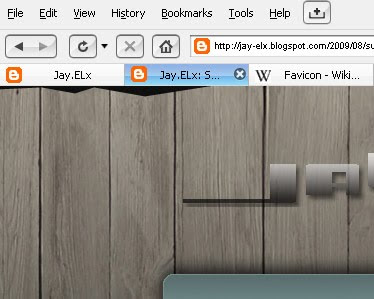
According to Wikipedia: A favicon (short for favorites icon), also known as a website icon, shortcut icon, url icon, or bookmark icon is a 16×16 pixel square icon associated with a particular website or webpage. BlogSpot [ Blogger.com ] has it's own but it's so boring. It's the 'B' logo with the orange background just like the picture above. But we can change that it's one of the perks here on Blogger.com we can customize our blog to the full extent unlike in free WordPress blog. Okay first step: Go find your own picture & we will convert it to an icon. Go to this website to convert it. What picture to choose? Anything it can be your own photo, your blog logo or even a photo of your grandma. Upload your pic, then click DOWNLOAD. Now, upload it to some free 'photo hosting' website. I tried it on TinyPic & it worked for me. Then log-in to your Blogger account, Click LAY-OUT then EDIT HTML. Press Ctrl + F then find this code: </b:sk...








.jpg)
